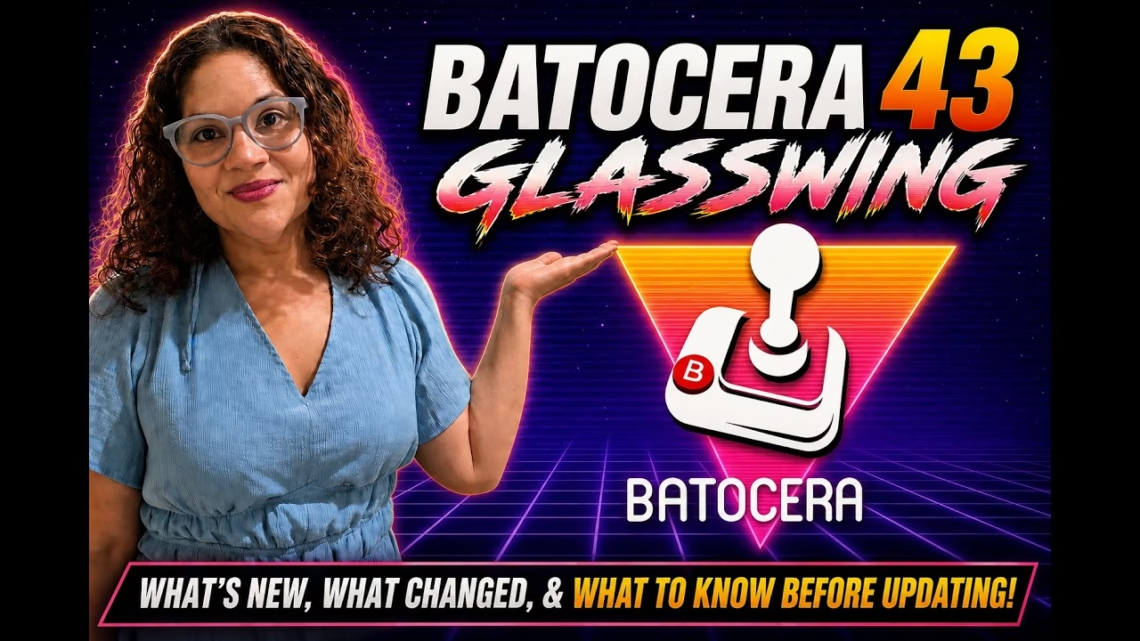
Batocera 43, also known as Glasswing, is about more than emulator updates. It brings quality-of-life improvements, better handheld support, controller changes, new systems, light gun improvements and some important changes you need to know about before updating.
If you’re new here, Batocera is a free, open-source retro gaming operating system you can install on a USB drive, SD card, mini PC, handheld or full gaming PC. You flash it, boot it, add your games, scrape your artwork, and you’re ready to play.
Before you update: breaking changes
- Nvidia on desktop: Nvidia drivers in the x86_64-v3 image are still experimental. For desktop Nvidia users, Batocera recommends the regular x86_64 image with Xorg for stability. Make sure you use the right image for your hardware.
- custom.sh is deprecated. An existing custom script is converted into a service one time, but going forward you should use services. Check any startup scripts or automation after updating.
- ROM folder renames. Some folders were renamed to follow system names rather than emulator names, including
odyssey2,megadrive-msu,halflife,tvgames,astrocade,bbcmicro,rtcwandloopy. You may need to move files. - Nintendo controllers. Batocera moved to the mainline Nintendo controller driver, so you may need to reconfigure wired or Bluetooth Nintendo controllers.
- Wine users: the way compressed Windows applications store their prefix paths changed. Back up Windows save games first.
- Older Nvidia cards: the legacy 340 and 390 drivers are removed. Only the 470, 580 and current 590 branches are supported.
- Emulator changes: DraStic was removed because of its closed-source nature and compatibility issues, so check what your DS games use. Azahar Plus was replaced by the source project Azahar for Nintendo 3DS, and 3DS ROMs need to be decrypted. The
.3dsextension is supported again. Dolphin now supports Triforce, so the old Dolphin-Triforce emulator is gone and saves should be moved to the regular Dolphin save folder.
What’s new
Handhelds and display
x86_64 handhelds with AMD and Intel graphics are now supported on the preferred x86_64-v3 image, using Wayland and the LabWC compositor. That moves Batocera to a modern display system, which should matter for handheld PCs and newer hardware. A virtual keyboard for Wayland touchscreen devices launches from the Control Center.
Batocera Control Center
One of our favourite additions: an on-screen interface for global configuration and control, launched by default with the hotkey plus the east button. Deeper settings used to feel a little hidden, and this makes Batocera more console-like and easier to use from the couch.
Controllers and hotkeys
There’s a new UI for configuring in-game controller hotkeys, plus global hotkey configuration for any device. You can set hotkeys using unused controller buttons, arcade cabinet buttons, keyboard keys or other inputs, which is useful for arcade cabinets and custom controller setups. ARM handhelds gain LED colour control and the option to turn controller LEDs off.
Quality of life
- A Wi-Fi country selector, plus a fix for Wi-Fi country settings not applying at boot
- New keyboard layout and variant options, and missing characters on the on-screen AZERTY keyboard
- A “sort name” in metadata that takes priority over the scraped game name, handy for titles starting with “The”, numbered sequels and Japanese titles
- A new sorting option by hardware type and then release year
New systems
Casio Loopy, Enterprise 64 and 128 (through the CLK emulator), PC60, PD777 for the Epoch Cassette Vision, and more arcade support including Sega Cave CV1000, Sega Gaelco and Sega Hikaru on x86.
Light guns and wheels
- Light gun support in the new Libretro Dolphin core (multi-gun), DuckStation (multi-gun), Play! for Namco 2×6 gun games, and standalone Flycast (multi-gun)
- Experimental Sinden light gun borders for RPCS3 and Wine
- Better light gun accuracy in standalone MAME with shaders, sliders and bezels, crosshair fixes in PCSX2, and START can be pressed on the light gun
- New wheel support for the Logitech Formula Vibration Feedback and MOZA R12 V2 Direct Drive, plus wheel support for the Triforce system
Hardware and backend
New device support includes several Anbernic XX devices, initial support for the AYN Thor, Odin 2 Mini, Powkiddy X55 and Retroid Pocket 6, Radxa devices, the FriendlyElec CM3588 NAS, Legion Go S controller and LED updates, and RTL8832CU and RTL8852CU USB Wi-Fi adapters on x86_64. Under the hood, the Linux kernel, Mesa, Vulkan, Wine, DXVK, BlueZ, GStreamer, Nvidia drivers and PipeWire-related components are all updated.
Should you update?
Batocera 43 is a very practical update. If you’re starting fresh, it looks like a great version to try. If you already have a perfectly working setup, especially with Nvidia hardware, custom scripts, Windows games, Nintendo controllers, DS games or special ROM folder layouts, make a backup first. Don’t update blindly and hope everything works.
New to Batocera? See how to install Batocera on an old computer.