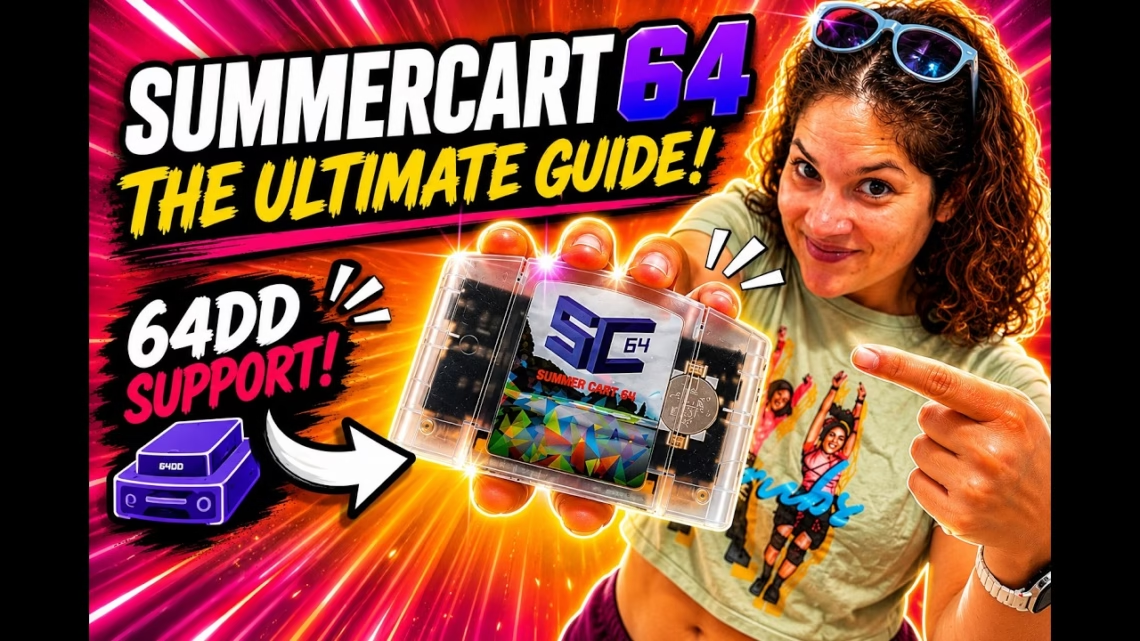
The SummerCart64 is one of the most impressive flashcarts for the Nintendo 64. It started as a homebrew development device and evolved into a full-featured flashcart with a polished menu and features that go beyond many others in its class. This guide covers what it is, its main features, setup, updates, loading games, customising the menu, 64DD support and the developer tools.
What is the SummerCart64?
It’s a flashcart that loads games and software from a microSD card, so you can carry your library on one device instead of a stack of cartridges. It also has fast onboard memory, advanced save support, USB support, 64DD hardware emulation, a custom menu and developer tools.
- Memory: 64 MiB of fast SDRAM plus 14 MiB from flash, up to 78 MiB in total, more than the largest known retail N64 ROMs.
- Speed: the SummerCart64 site lists peak microSD and USB speeds around 23.8 MiB/s, so even large 64 MiB retail ROMs load in a couple of seconds.
- Saves: it supports every known save type in retail games, and saves are written automatically to the microSD card (or over USB with the PC app), with no reset button needed.
64DD support
The 64DD, the Nintendo 64 Disk Drive, was a rare add-on that never saw a wide release, so most people never experienced it. The SummerCart64 has built-in 64DD hardware emulation. It plays 64DD disk dumps directly without converting them to cartridge ROMs, supports combo games that use an N64 cartridge plus a 64DD disk, and supports multi-disk 64DD games. For collectors and preservation fans, this is one of the biggest reasons to look at it.
The menu
The N64 Flashcart Menu supports the SummerCart64 and includes N64 game loading, 64DD support, emulator support, ROM boxart, PNG background images, a ROM save database, ROM information, real-time clock support, MP3 playback, sound effects, fast reboot, history and favourites. It’s open source, aims to support multiple N64 flashcarts, and can also be tested with the ares emulator.
What you need
- The SummerCart64 and a Nintendo 64 console
- A controller
- A reliable microSD card from a trusted brand. A bad card causes loading issues, file errors and hard-to-troubleshoot problems
- The latest menu file
Setup
- Download the latest
sc64menu.n64file and put it in the root directory of the SD card. - Add your games, homebrew, 64DD files and other supported files. Keep the folder structure clean, especially for a big library.
- Insert the card into the SummerCart64, put the cart in the N64 and power on.
- You should boot into the SummerCart64 menu, where you can browse the card and launch a game or program.
Updating the menu and firmware
They are two separate updates. To update the menu, replace sc64menu.n64 in the root of the SD card with the latest version. The firmware is updated over the USB interface. Use the correct files, follow the instructions carefully, make sure there is stable power and don’t disconnect anything mid-update. Then reboot and confirm everything works.
Customising the menu
Box art
The menu supports game art, but the files must go in the right place. Boxart goes in sd:/menu/metadata/, in a folder structure based on the game’s four-character code. GoldenEye (NTSC USA) uses the code NGEE, so its front boxart goes in sd:/menu/metadata/N/G/E/E/boxart_front.png.
Supported files are boxart_front.png, boxart_back.png, boxart_top.png, boxart_bottom.png, boxart_left.png, boxart_right.png, gamepak_front.png and gamepak_back.png. They must be PNGs. Sizes listed in the documentation: American and European N64 boxart 158 by 112, Japanese N64 boxart 112 by 158, 64DD boxart 129 by 112, and GamePak front and back 158 by 112. With several images, left and right on the D-pad or C-buttons cycle through them.
Background image
Copy a PNG anywhere on the SD card, browse to it in the menu and select it. Press A again and a prompt asks whether to set it as the new background. Press A to confirm or B to cancel.
Emulators
The menu also lists emulator support for NES, SNES, Game Boy, Game Boy Color, Sega Master System, Game Gear and others, though the main purpose is Nintendo 64.
Developer features
The SummerCart64 began as a homebrew development device. It has a PC app for loading ROMs and debug terminal access, a simple command-based protocol over USB, microSD and USB interfaces, libdragon, libcart and UNFLoader support, and IS-Viewer 64 debug interface support in hardware.
Direct mode allows testing without interference from the SummerCart64’s embedded bootloader, which is useful for testing custom IPL3 replacements and other low-level work. The project is open source under the GNU GPLv3.
Who is it for?
If you just want the simplest plug-and-play cart, another may feel more familiar. If you want something powerful, flexible, open source and still evolving, the SummerCart64 is very exciting. The 64DD support alone makes it one of the most interesting N64 flashcarts, and with the custom menu, box art, saves, USB tools and direct mode it is far more than a cartridge replacement. Price and availability vary by seller, so check current stock before buying.