Skip to content
Glazed Watermelon

Retro gaming news, tutorials and cool stuff

  • Home
  • News
  • Tutorials
  • Cool Stuff
  • YouTube
  • Facebook
  • Instagram
  • Discord
  • GitHub
  • Home
  • News
  • Tutorials
  • Cool Stuff
  • YouTube
  • Facebook
  • Instagram
  • Discord
  • GitHub
  • How to Install Batocera on an Old Computer video thumbnail
    Tutorials

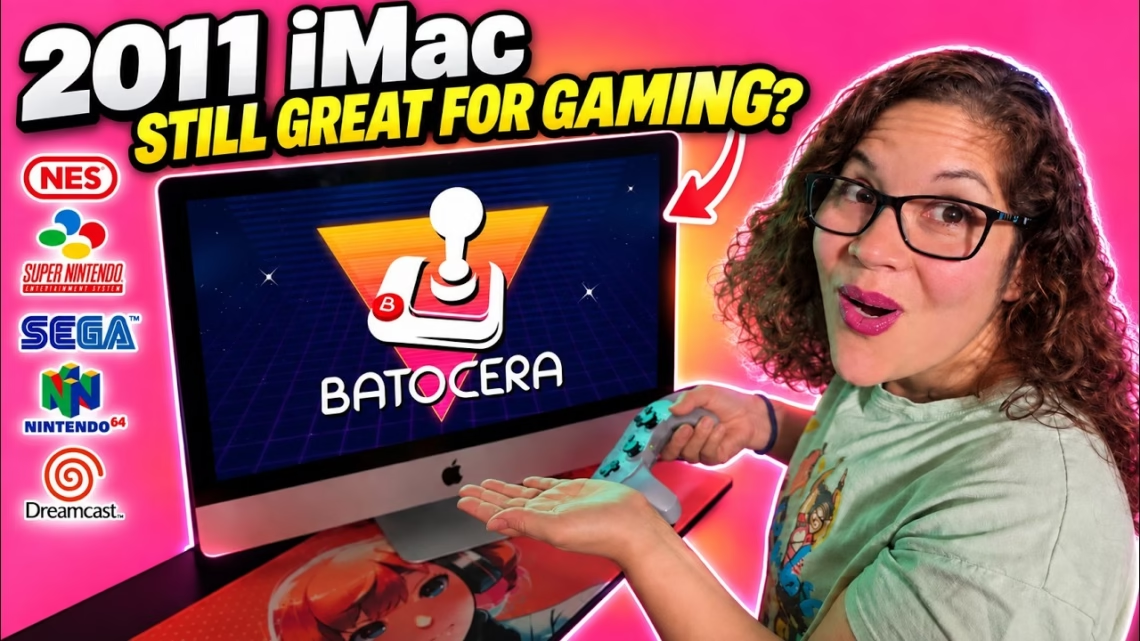
    How to Install Batocera on an Old Computer (Can a 2011 iMac Game?)

    September 13, 2026 - By Glazed Watermelon

    Could a 15-year-old iMac still be a good gaming machine in 2026? Ours has been running Ubuntu for a while, and instead of getting rid of it we turned the whole thing into a dedicated retro gaming console with Batocera. We erased the hard drive, installed Batocera as the operating…
    Continue Reading
  • Batocera 43 Glasswing video thumbnail
    Cool Stuff

    Batocera 43 “Glasswing”: Everything You Need to Know Before You Update

    August 16, 2026 - By Glazed Watermelon

    Batocera 43, also known as Glasswing, is about more than emulator updates. It brings quality-of-life improvements, better handheld support, controller changes, new systems, light gun improvements and some important changes you need to know about before updating. If you’re new here, Batocera is a free, open-source retro gaming operating system…

    Continue Reading
  • 3dSen NES emulator video thumbnail
    Cool Stuff

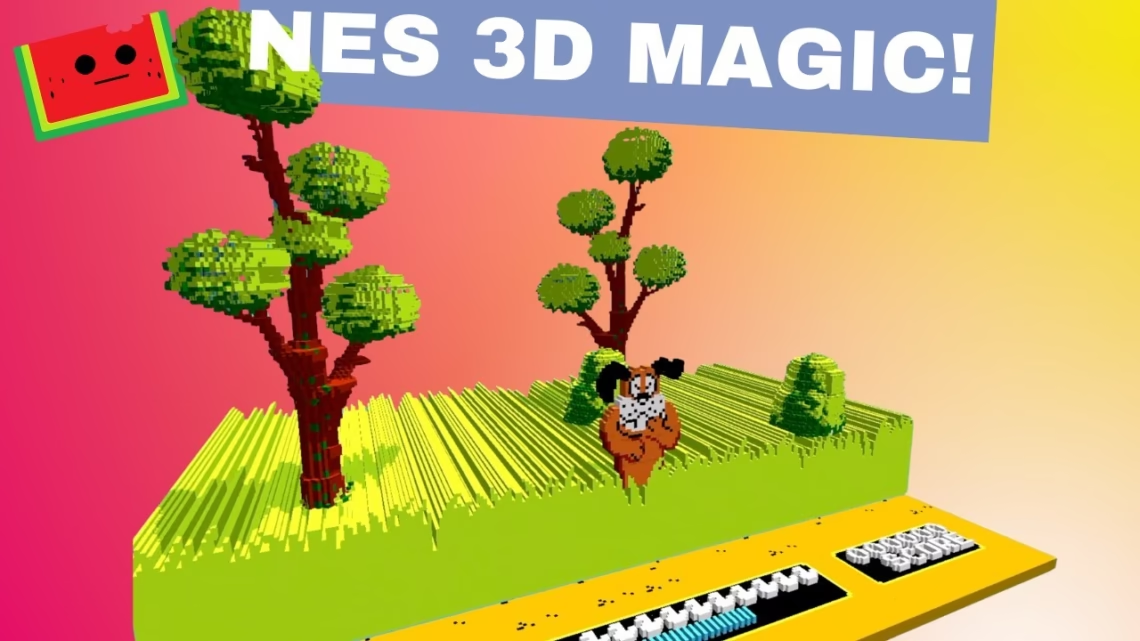
    3dSen Is the Coolest NES Emulator! NES Games in 3D

    July 11, 2025 - By Glazed Watermelon

    3dSen is an emulator that turns classic 8-bit NES games into fully playable 3D experiences. It isn’t a filter or a stretch effect, but real depth, movement and perspective. This video also marked 1,000 subscribers for the channel, so thank you all. What is 3dSen? 3dSen doesn’t just upscale graphics…

    Continue Reading
  • Pawn Shop Score Beelink Mini PC retro gaming build video thumbnail
    Tutorials

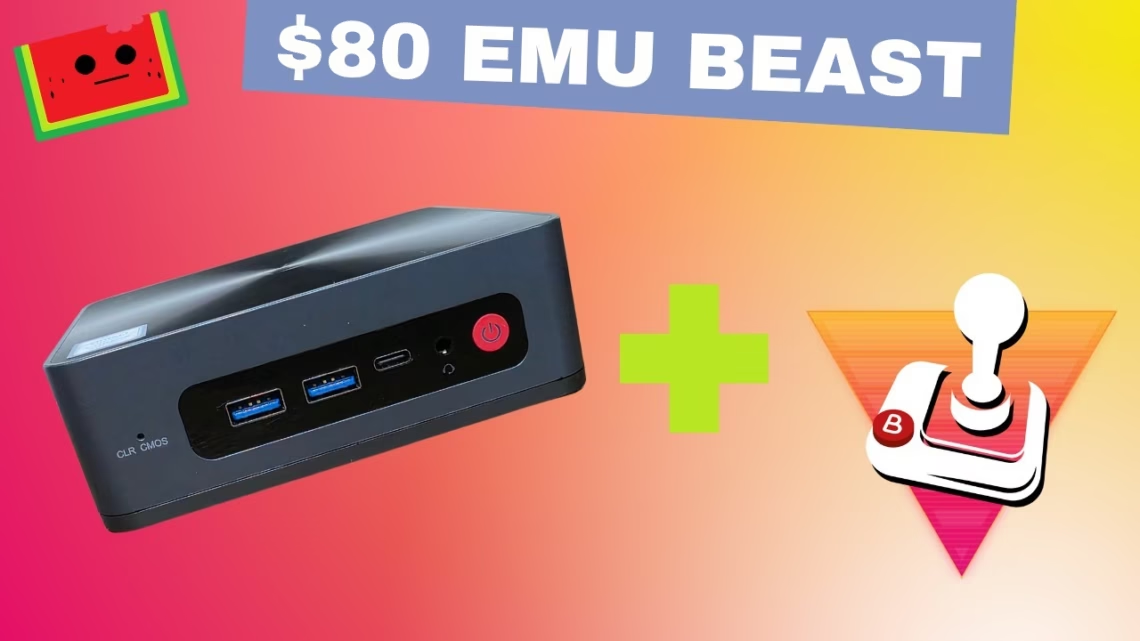
    Pawn Shop Score: $80 Beelink Mini PC Retro Gaming Build

    April 29, 2025 - By Glazed Watermelon

    We turned a pawn shop mini PC, a Beelink SEi8, into a full living room gaming system using Batocera Linux. We paid around $80, and it plays everything up to PlayStation 2. The hardware The SEi8 has an Intel Core i5-8279U, 16GB of RAM, a 500GB drive and Intel Iris…

    Continue Reading
  • Make Your Own Portable Gaming USB Stick Batocera guide video thumbnail
    Tutorials

    Make Your Own Portable Gaming USB Stick: Batocera Setup Guide

    March 14, 2025 - By Glazed Watermelon

    Would you like an all-in-one retro emulation USB drive you can take anywhere? This guide shows how to make a USB gaming drive with Batocera Linux, a portable retro solution that works on any compatible PC. Batocera is a free, open-source operating system for retro gaming. It turns a PC,…

    Continue Reading
© 2026 Glazed Watermelon Productions