We’re back with T-Mobile Home Internet, and this isn’t sponsored. After our last video, where we said we were done with T-Mobile for good, how did we end up back? T-Mobile came in clutch in our time of need.
What happened
This summer we were on vacation in London, hunting for game bargains, when we suddenly lost all connection to our home devices. When we got home there were trucks and excavation equipment everywhere and cables lying in the lawn. Construction work across the road had cut both our fiber and our cable line at once.
That is very unusual. We have a one-gigabit cable line and a one-gigabit fiber line in a failover setup, behind a custom pfSense router. But with no internet, and both of us relying on it for work, the only quick solution was a T-Mobile Home Internet router. The local T-Mobile store was helpful, had one of the latest models, and gave us a good monthly price.
Setup
Setup is easy. Take it out of the box, connect the USB-C power adapter and follow the instructions in the T-Life app. This time we didn’t even hunt around the house for the best spot. We put it somewhere convenient and we were back online within minutes.
You don’t need to be a networking enthusiast. The T-Life app lets you change the network name and password, see the status of the device and connected devices, run diagnostics and check how much data you’ve used. Other devices give you much more control, but this one isn’t meant to. Simple is the name of the game.
What we like
- It’s robust. The cellular connection means anything that affects a landline, like someone cutting the wires, isn’t an issue. With a backup battery it keeps working through a blackout.
- Unlimited data, so one less thing to worry about.
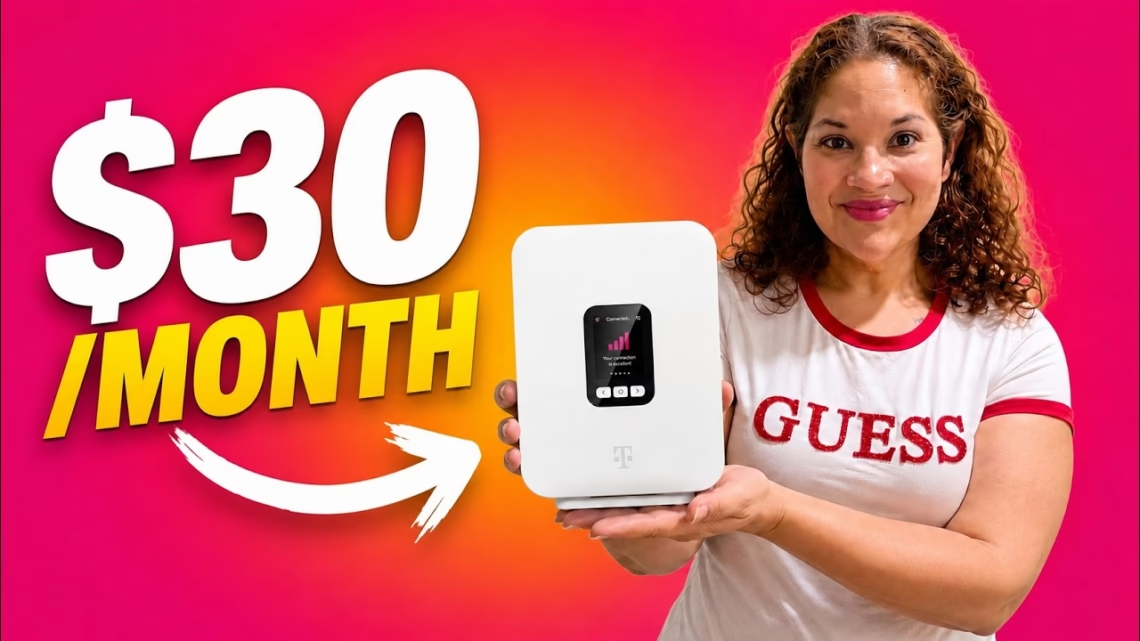
- Price. About $30 a month with the discount for phone customers and autopay, plus a five-year price lock guarantee. It’s a bargain for home internet.
- Wi-Fi 6 reaches pretty much every corner of our 2,200 square foot home.
Speeds and gaming
Our connection fluctuates between good and weak, but it didn’t cause problems for work. A speed test from a phone on Wi-Fi 6, about 10 feet from the router, gave 56 Mbps down and 7 Mbps up. Tests from the Xbox were about the same.
Is it good for gaming? It works, but it isn’t perfect. You’ll get the occasional hiccup, mostly due to the nature of a cellular connection. We played a lot of Fortnite, Rocket League and Call of Duty, and most games were fine. If you’re a professional esports player, this isn’t for you. For casual weekend players like us, it worked well.
One detail we should mention: the router has Ethernet ports, but all of our testing was over Wi-Fi, because we didn’t want to give T-Mobile any advantage. We gamed on an Xbox Series S over Wi-Fi, and it’s a marked improvement over the older model we used before. It’s not a scientific test.
As we’ve said before, home internet depends on where you live and the cell signal you get. We live in the country and it’s very usable for us, even with a weak signal.
Our verdict
The cut lines were eventually replaced and our regular internet is back. But we’re keeping T-Mobile Home Internet as a backup line in case something happens to the other two or the power goes out. Can we recommend it? Yes. If you’re on the fence, T-Mobile offers a 15-day test drive so you can check that everything works for you. Prices and offers may have changed since we recorded this.